
How to host your first shared table
Start with a meal you know well and a table size you can serve comfortably. Run through the menu before hosting, write down the ingredients and give guests a clear idea of what the evening will be like. On DineMosaic, home cooks and professionals can apply to host.
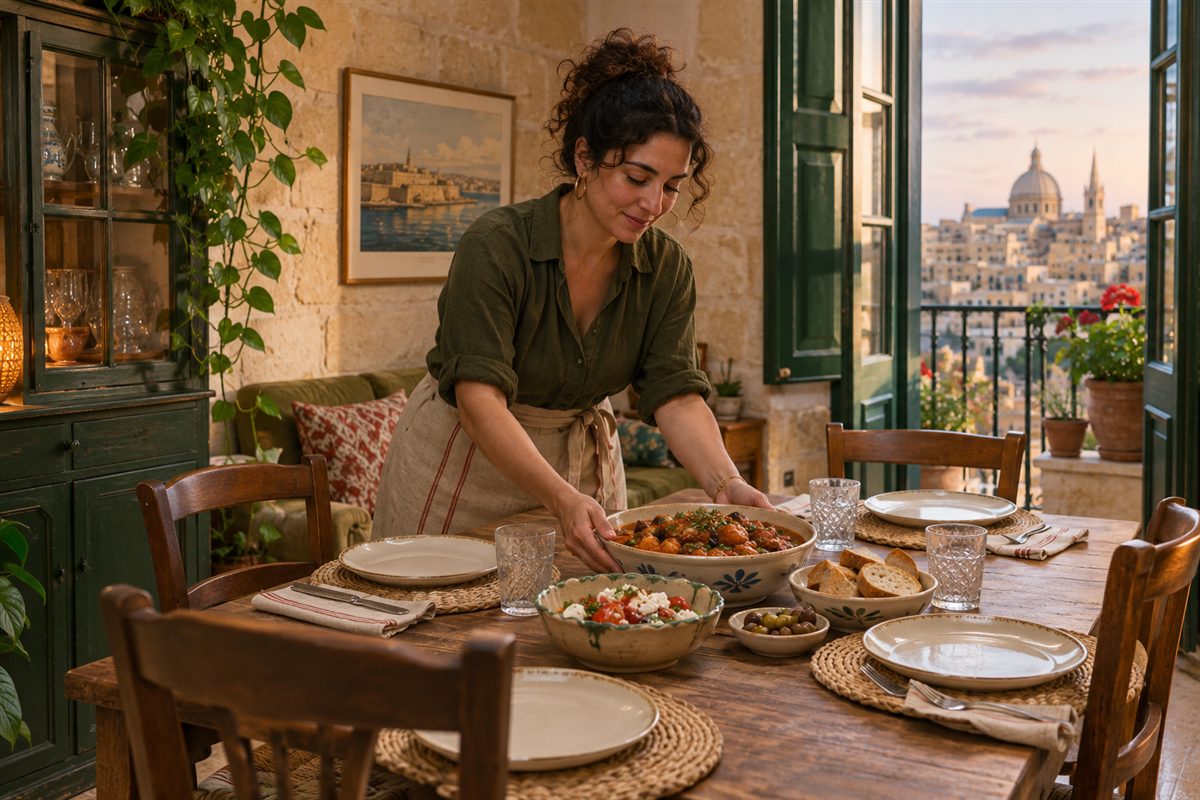
Build the menu around what you can serve well
Think about the last twenty minutes before food reaches the table. If two dishes need the same oven and a third needs your attention at the hob, simplify one of them. A menu might start with a dish you can plate easily, follow with a main you have timed before, and end with a dessert that leaves you free to sit with your guests.
Rehearse at the number of portions you plan to serve. Note when you need oven space, which bowls or trays you need, and what could be prepared in advance under safe conditions. Record ingredients and allergens for every dish, including garnishes and ingredients in bought products. Discuss individual requirements privately in the platform.
Set expectations before guests arrive
Give the meal a short description that helps a diner decide. Tell them what is special about the menu and whether they will be passing bowls around the table or receiving individual plates. Decide in advance where people will put their things, which seats are easy to reach, and how you will welcome someone who arrives on their own.
Try introducing guests by first name and giving the table something easy to talk about. A short story about the first dish works. After that, make room for people to talk at their own pace.
Publish only what you can deliver
Choose a capacity, a date and an agreed menu you can confidently serve. Shared tables on DineMosaic accommodate up to eight guests in total. With the first confirmed booking, the menu for that table is fixed. If a guest raises an allergy or dietary request, take time to check ingredients and kitchen practices before saying what you can accommodate. Before offering a food service, check the responsibilities that apply to your activity.
Frequently asked questions
Do I need to be a professional cook?
DineMosaic welcomes passionate home cooks as well as professionals. Cook applications go through identity verification and manual review.
How many guests should I host the first time?
Start with the number you have rehearsed and can serve with time to welcome everyone. DineMosaic allows up to eight guests at a Shared table.
When is the menu fixed on DineMosaic?
The first confirmed booking fixes the menu for that table. Later guests join on the same menu.
Find out how to apply as a Cook